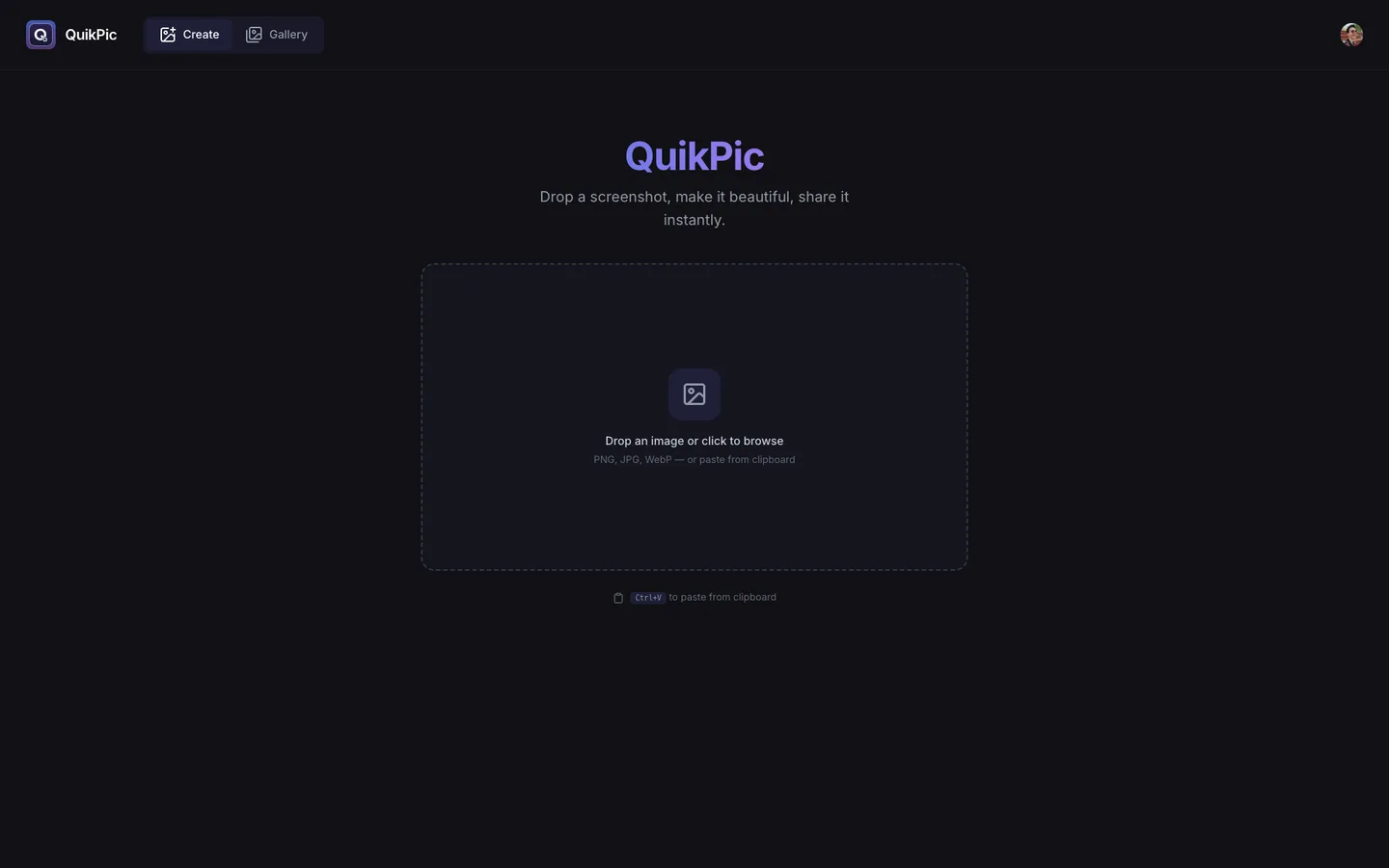
Overview
Screenshot capture, polish, and share in a single keystroke. A browser extension grabs the shot, a canvas editor styles it, and a cloud gallery keeps it. No Paint detour, no sketchy upload host.
- Area / full-page capture via extension hotkey, with scroll-and-stitch
- QuikPic Capture: macOS app with global shortcuts and its own region picker
- Canvas editor: gradient backgrounds, rounded corners, shadows, window chrome
- Blur brush for redacting sensitive content
- Day-grouped gallery with clipboard copy and batch delete
What it solves
Taking a presentable screenshot is a five-tool workflow for something that should be one keystroke. Capture in one app, crop in another, add a background in a third, upload to a host, copy the link, hope nobody notices the timestamp watermark. Most people skip the styling step entirely and ship the raw PNG, which looks rough.
QuikPic collapses the whole loop into one flow. A hotkey takes the shot, the editor opens already knowing how to make it look good, and share happens from the same page: clipboard or public link, your choice.
Highlights
- Hotkey capture from the browser or anywhere on macOS via the Tauri app
- Auto-gradient backgrounds picked from the screenshot's own colors
- Blur brush for redacting tokens and personal data
- Day-grouped gallery with batch delete for cleanup